

“At present AI is an incredible remixing machine of human knowledge,” said AI expert Mike Russell of Creator Magic, as he showcased the latest AI tools at RadioDays Asia ’25.
Mike said, “Human connection is important so be the human in the loop.”
Mike encouraged the use of the following tools to integrate into our workflow and ultimately increase our efficiency:
1. VEO 3 from Google – Realistic videos
This is a visual creation machine with audio.
Usecase example, create a character to use for social media.
2. ElevenLabs – Voice generation
ElevenLabs is used to generate realistic AI-powered speech, voices, and sound effects for content creation, development, and business applications by converting text to speech and cloning voices with high accuracy and emotional expression.
Use example, create sound effects with only one prompt, can generate music tracks with each track independent so you can remix.
Pro tip – Ask your producers to use this tool
3. Ideogram – AI character generator
Use this to make a tool to create a consistent character from one photo. Add text to images.
Pro tip – Ideal tool for making thumbnails for podcasts
4. Replicate – AI image editing
This like an app store for all different tools. Search for tools by intended use, then create and continue to tweek.
Pro tips – Ask how can I make my thumbnail (from the previous example) more clickable?
the pay model is that you pay for each generation, which makes it cheap to use.
5. ChatGPT (5) – Agent mode
Constantly innovating reducing hallucinations, improving instruction following, and minimizing sycophancy, while levelling up GPT‑5’s performance in three of ChatGPT’s most common uses: writing, coding, and health.
Pro tip – Ask, find top 5 podcasts and create a report, visits websites. It visits websites, creates a report while the Agent shows browsing and report generation.
6. Grok 4 – Real Time AI
Most AI’s will only tell you what’s on the internet. Grok 4 searches x posts to find out what’s happening in real time.
Pro tip – Use to find the latest reviews of new restaurants that aren’t established on the internet.
7. Wispr Flow – AI Voice Dictation
Turns speech into structured, polished text saving time on the keyboard by using voice to interact with AI.
Pro tips – A great way to record your stream of thoughts and if you change your mind it’s smart enough to know and make corrections. It will also decide to display text as bullet points when required.
Try this tool for 24 hours and see the difference to your productivity.
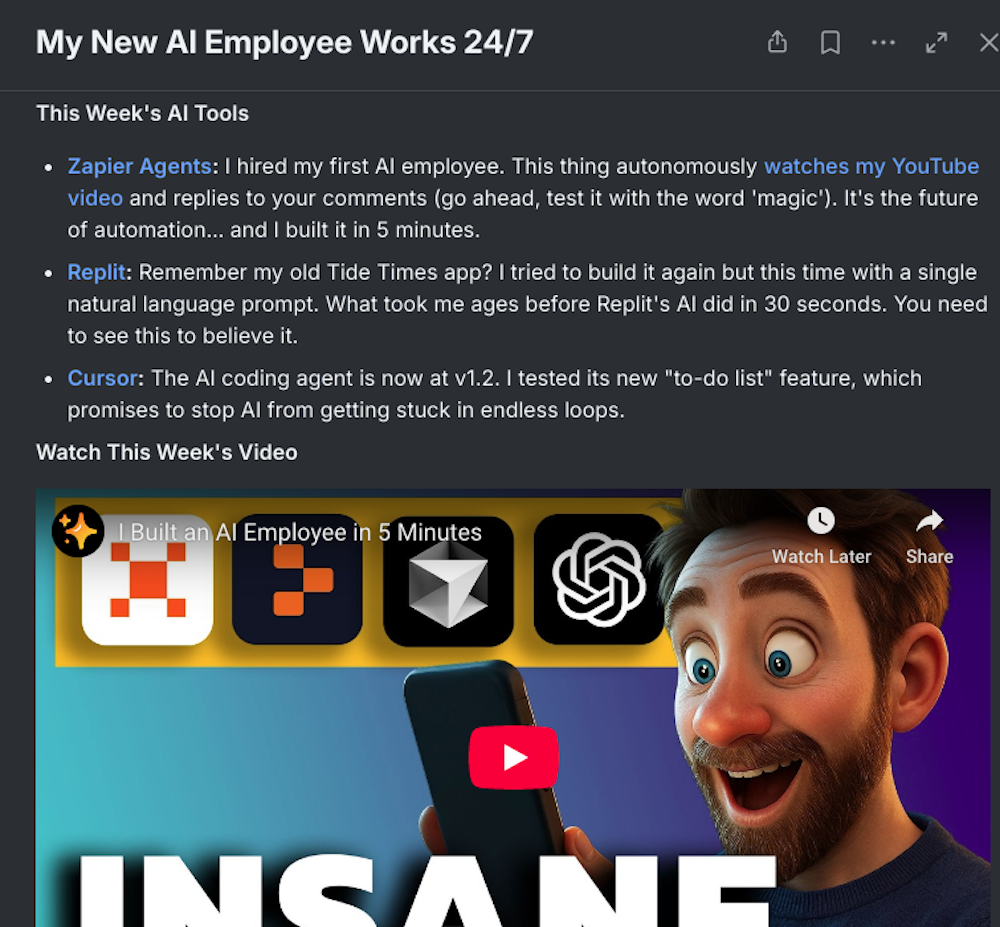
8. Zapier – AI Agents
Your AI employee, that works by connecting different tools together.
Pro tip – Switch on “agent” so it will run the process.
9. Apify – AI Data Gathering
Uses actors to go out and use the tools, so you can feed the AI to get an analysis of data.
Pro tip – Put the data into Zapier to generate a written report.
10. Lovable – Vibe coding tool
Vibe coding is a software development method where a large language model (LLM) generates code from natural language prompts, allowing developers to describe the desired application’s “vibe” or goal rather than writing intricate code lines themselves.
This the quickest way to code and build an app that helps solve a problem.
Pro tip – This is the future, try it.
Mike suggested two homework tasks. The first, use Apify and experiment by connecting some of the other tools mentioned. The second, go home and type ‘vibe coding’ and learn to use it. You can always find someone keen to experiment on your team.
More reports from Radiodays Asia here.
Reporter: Serena Ahern